
Editors and motion designers are often grouped together. Sometimes they are even expected to do the same job.
On the surface that makes sense. Both work on video. Both shape how content looks and feels.
But the roles are fundamentally different. When teams blur the line between editing and motion design, the result is usually content that feels incomplete or harder to follow.


Short answer: it depends. 😅
Editors can absolutely handle light graphics and template driven motion. Many are comfortable adding some keyframes, working with Mogrts, and using prebuilt toolkits.
But expecting an editor to own your motion system across an entire content engine is a different ask entirely.
That’s when things get messy.
Editors and motion designers have skills that overlap. But they are focused on completely different outcomes.
Editors Focus on Story. Motion Designers Focus on Visual Language.
Editors drive the story behind your content. Motion designers make it visually clear.
They’re complimentary skills. But not the same job.
There are incredible editors who:
These editors can absolutely use template based motion and show off a few tricks of their own.
But just because they can handle motion does not mean they should own it.
Their primary responsibility is the edit. When they are expected to also build and maintain a scalable motion system, something gives. Usually, it is either speed or quality.
Most editors primarily live inside Premiere.
They cut fast. They iterate quickly. The slip into a flow state.
When they have Mogrts or a brand toolkit, motion can be added inside the timeline with minimal disruption.
But when custom motion is required, they must:
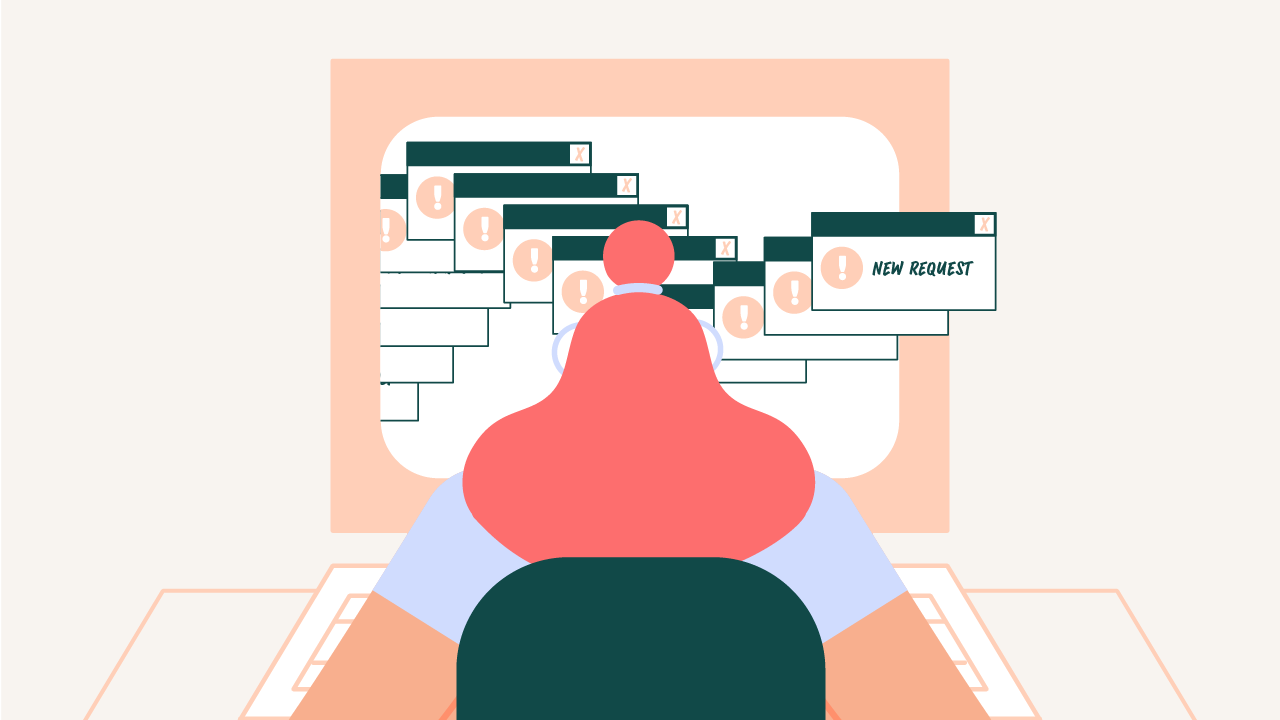
That kind of context switching divides attention and slows the edit down.
Editing and motion are different crafts. When one person is expected to dominate both simultaneously, something ineveitably suffers.
Editors are focused on the video in front of them.
They are trying to tell the story. Lock the cut. And fine tune the mix.
But someone needs to be thinking beyond the edit in progress. Across uploads. Across platforms. Across every piece of packaging.
When editors are responsible for motion, small inconsistencies creep in.
The type animates differently from video to video. Transitions feel varied. Caption styling evolves. Visual hierarchy changes depending on the edit.
None of it feels dramatic as a one off.
But over time, your brand starts looking inconsistent.
And branding is not cosmetic. It’s equity.
Editors use animation within systems. Motion designers create those systems.
There are scenarios where an editor handling motion makes sense.
Editors can own motion when:
If the system is built, editors can use it beautifully. The problem is not editors or their skills.
The problem is expecting them to build and maintain the motion system ON TOP of editing.
You probably need dedicated motion support if:
At that level, motion is no longer a decorative layer.
It becomes branding infrastructure.
If you are making one video at a time, a swiss army editor may be enough.
But if you’re trying to build a recognizable brand across platforms, motion cannot be an slapped on.
Expecting your editor to also build your motion system is like asking your cinematographer to design your logo.
Related skills. Different jobs.
A video editor focuses on assembling footage and shaping the overall structure of a video. A motion designer focuses on how information is communicated through animation, including text, transitions, and visual emphasis.
Some editors have motion skills, but the depth of expertise is often different. Motion design requires a strong understanding of animation, timing, and visual communication that goes beyond basic editing tools.
Motion designers are most valuable when content needs to communicate ideas clearly through visuals. This includes product demos, explainer content, and videos that rely on animated elements rather than raw footage.
When one person is responsible for both editing and motion design, one area often gets less attention. This can lead to videos that are structurally sound but visually unclear, or visually interesting but poorly paced.
Most high performing content uses both. Editing shapes the story and pacing, while motion design helps guide attention and clarify information for the viewer.

Motion Partner