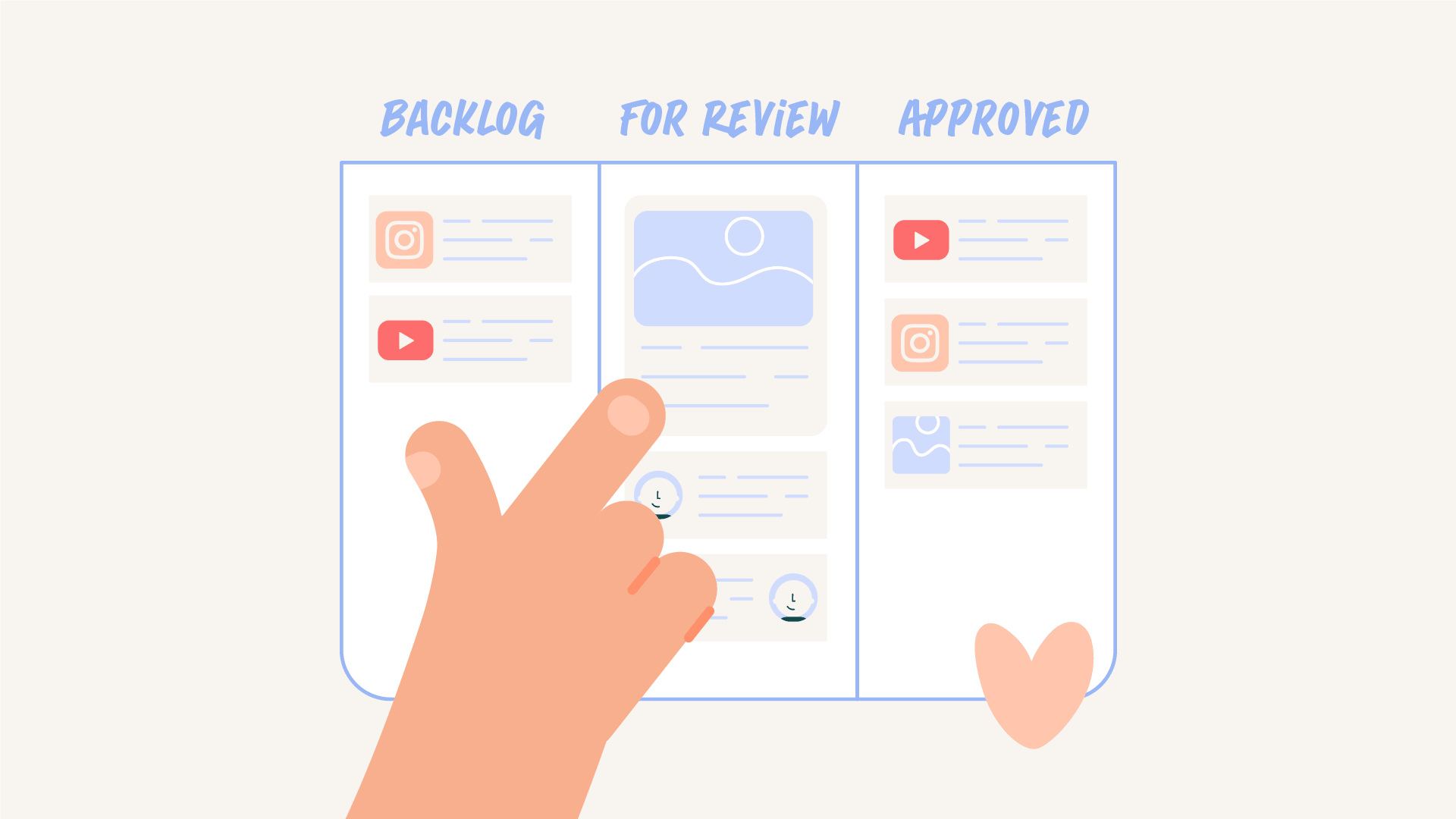

Most teams struggle with consistency.
They want to post more often, experiment more, and keep up with the pace of modern content. Instead they fall into cycles of bursts and gaps. A push of output followed by a slowdown when production becomes overwhelming.
The issue is not motivation. It is that most teams are trying to scale content without a system that supports it.


Most teams want to streamline their content. But then build every asset from scratch.
They publish one YouTube video… and then scramble to figure out how to promote it.
That’s not a content system. It’s reactive.
If you’re producing weekly long form content, that episode should not generate one upload.
It should generate your entire content ecosystem.
A content waterfall strategy uses one high value YouTube episode as the foundation for all short form and social content.
One long form video becomes:
Daily content stops being a guessing game.
The episode becomes the source content. Each post becomes a deliberate extension that unifies your messaging for the week.
That shift changes how you plan, cut, and post everything.
But the waterfall only works if motion is built into the process.
Motion should not be added after the edit is locked.
It should be considered at three points:
If a section is strong enough to be a reel, that moment should be structured clearly in the script.
Full screen type beats. Chapter markers. Clear takeaway moments.
When motion beats are baked into the structure, repurposing becomes intentional instead of forced.
When the episode is being cut, editors should already be flagging:
This is where reusable motion systems matter.
Instead of rebuilding assets every week, you should have:
When those exist as Mogrts or reusable templates, editors can use most recurring motion inside their timeline.
Motion designers then focus on custom explainers, story driven visuals, and platform optimizations.
The waterfall is not just for the editorial cutdowns.
It can trickle down to design & brand assets.
A single episode can fuel:
The content is the same. It’s just repackaged for each platform.
Here’s where most teams fall apart.
They attempt to repackage their content across platforms with:
It works… technically. But it doesn’t build your brand. Instead, you should be building key assets. 👇
When you’re adding captions to 10 or more clips in a week, you cannot build them from scratch every time. You need presets and structure. That’s how high volume launches stay polished.
Readable typography. Defined hierarchy. Large type moments for key phrases.
If you’ve ever seen a campaign push where dozens of social cutdowns roll out in sync, it only works because the motion was systemized in advance.
Video chapters can easily become educational carousels.
But only if you have designed templates ready to go.
These establish your fonts, type grid, color palette, and image rules.
Without those, every slide becomes a mini redesign.
Instead of reinventing thumbnails weekly, you can create 3-5 preset layouts.
These can establish design rules like:
You’re not just designing a thumbnail. You’re engineering the click through.
A strong, repeatable thumbnail system increases click through rates and sets up higher watch time. A random still frame of someone mid sentence does not.
Stories are one of the most direct touchpoints with people who already follow you.
When you publish a new episode, stories become your distribution channel.
Unlike reels, you can link to the video, which makes it one of the strongest calls to action in your weekly ecosystem.
You should have preset Story designs that allow you to quickly drop in a preview clip, a thumbnail variation, or a bold hook frame.
When those templates exist, announcing a new episode takes minutes.
Here’s the difference.
The effort may look similar. The outcome & quality of your content is not.
If you are releasing a YouTube episode and promoting across social every single week, you cannot afford to reinvent the packaging each time.
That is how teams churn and burn.
Strong motion systems create peace. Caption presets, thumbnail frameworks, story templates, and reusable layouts speed up execution so your team can focus on ideas, not rebuilding assets.
When the foundation is stable, you create faster. You experiment more. You expand into new opportunities instead of just keeping up.
If you are filming weekly and only getting one asset out of it, you are underutilizing your content.
One episode can fuel your entire ecosystem.
Reels. Carousels. Stories. Static posts.
Without systems, every week feels like starting over.
Most teams rely on effort instead of structure. Without a repeatable workflow, content creation becomes reactive which makes it difficult to maintain consistent output.
A weekly content system is a structured workflow that allows teams to plan, produce, and publish content on a regular schedule. It focuses on repeatable processes instead of one off production.
A system removes the need to figure out the process each time. When the workflow is defined, teams can focus on execution which makes it easier to maintain consistent output.
Motion design becomes part of the workflow instead of a separate step. When motion systems are in place, teams can incorporate animation without slowing down production.
A weekly system creates predictable output and reduces production stress. It allows teams to scale content in a way that is sustainable over time.

Motion Partner