
Most YouTube workflows focus on editing first. Cut the footage, build the story, tighten the pacing.
Motion design usually comes later as an add on. Titles, transitions, a few animated elements layered on top.
That approach works, but it misses a bigger opportunity. Motion is not just something you add after the edit. It is part of how the video holds attention and communicates information from the start.


YouTube production teams don’t just use motion designers for a flashy intro.
They use them to build systems, support editors, and maintain consistency across recurring content.
In high output environments, motion isn’t decoration. It’s part of a larger system that supports the entire production workflow.
And when it’s treated that way, everything runs faster.
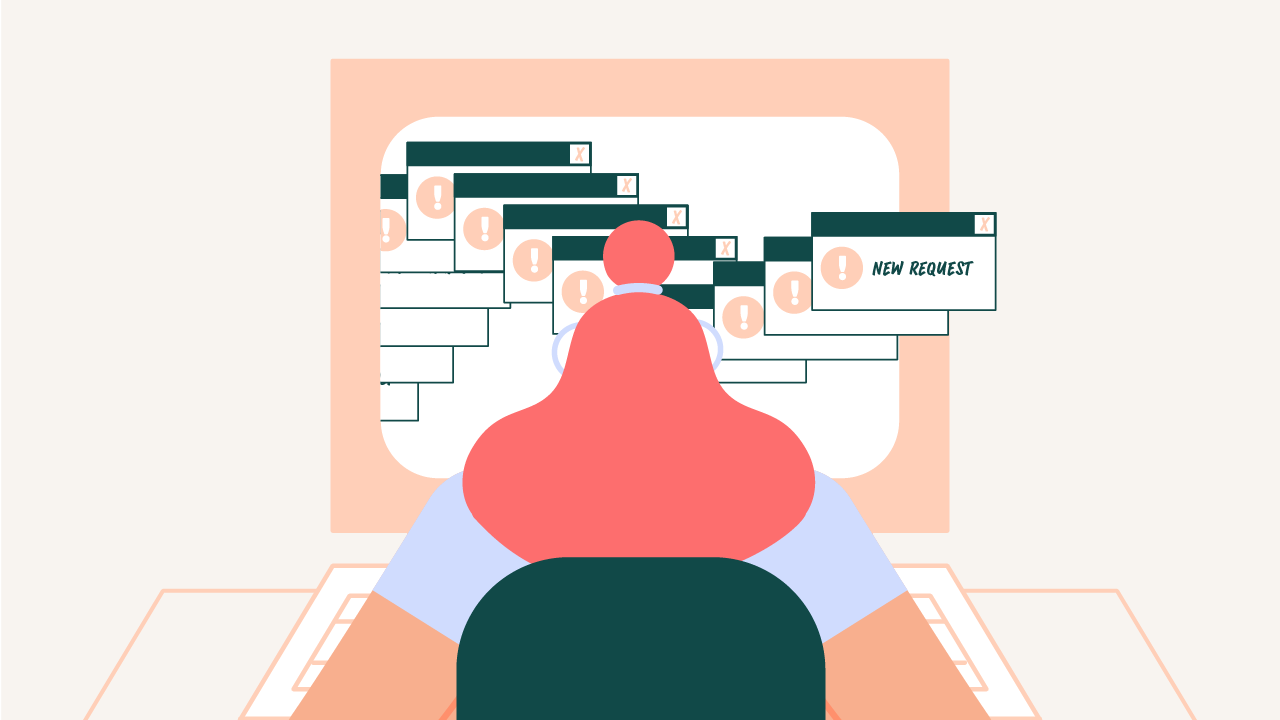
Inside real creator led teams, motion requests can come from creative directors, producers, editors, and even the talent themselves.
In my experience, requests typically flow through Slack and email. Fast. Context heavy. And often mid edit, when they want to add some supporting animations in.
That works… until the volume of your content engine increases.
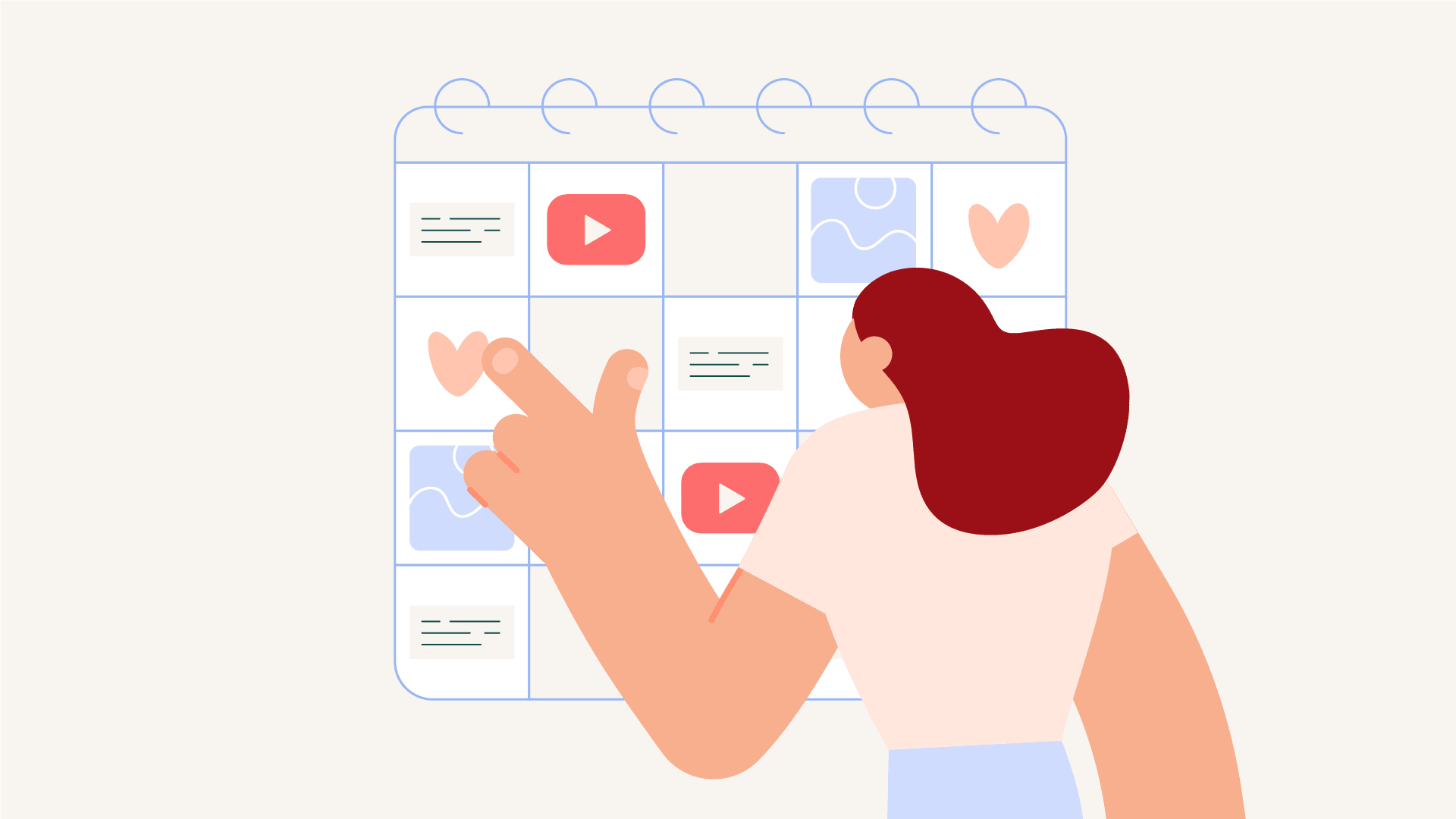
Once a team is posting weekly Youtube episodes, daily social cutdowns, and launch campaigns, informal workflows start to create headaches for everyone.
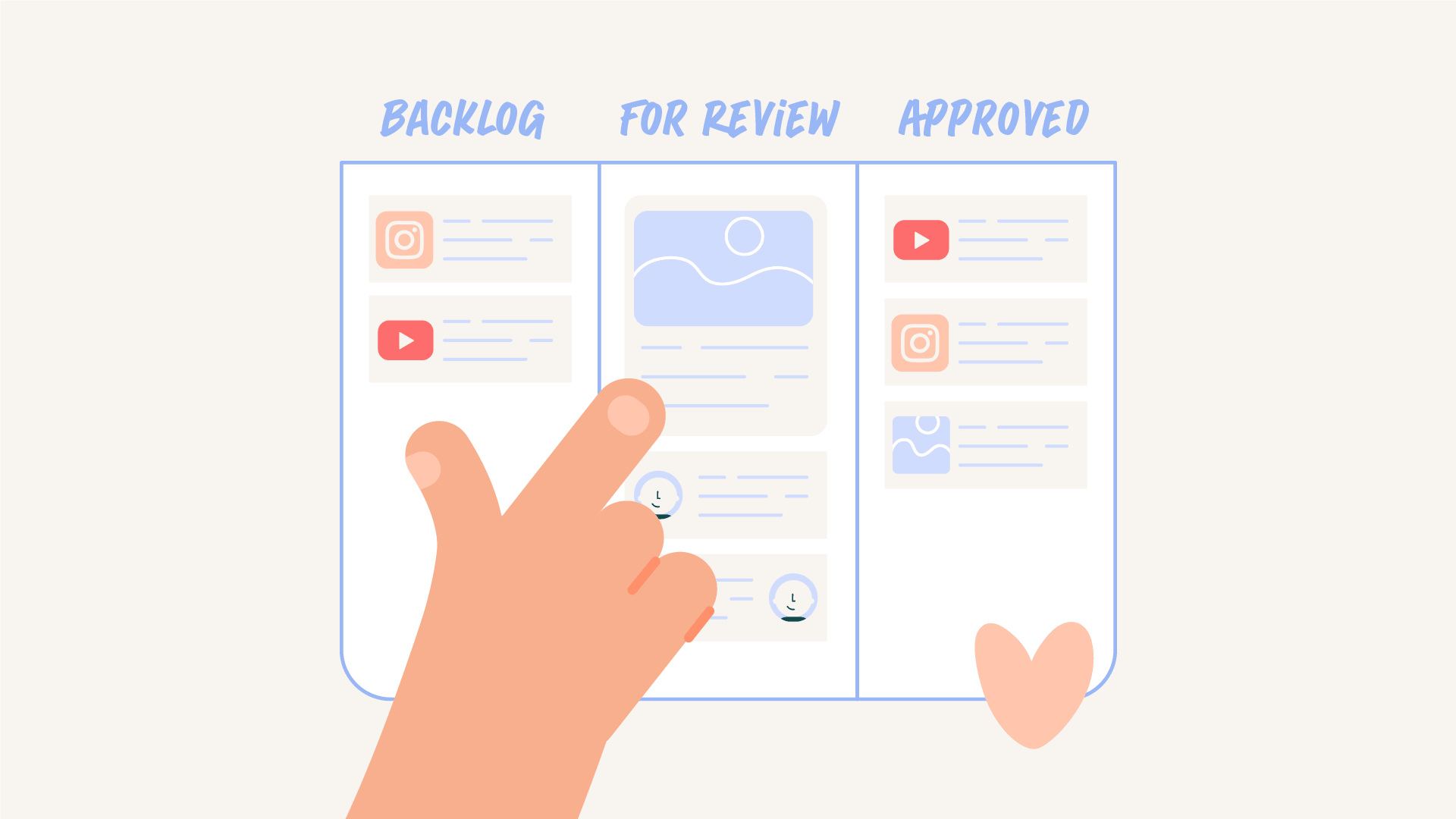
That’s why structured request systems matter. They speed up the entire workflow.
Before weekly publishing becomes sustainable, the most basic bits & pieces need to exist.
These shouldn’t be reinvented for every Youtube video. They should be built once, with intentionality.
For a stand up special launch, I built caption presets that allowed us to output 30 minutes of animated vertical content across 17 separate posts.
That kind of volume doesn’t happen through brute force & late nights. It happens through systems & custom presets.
Editors are not motion designers. And most of them don’t want to be.
One of the biggest frustrations inside YouTube teams is asking editors to handle something that isn’t their specialty. It slows the edit. And when the cut changes, the animation has to change with it. Creating even more work for an overloaded editor.
Smart teams solve this by:
When editors can deploy 60–70% of a video’s motion directly in their Premiere timeline, they stay in flow. Then the motion designer focuses on what requires their specialty:
Every video builds on the last. And you gain more assets in your brand toolkit.
Even with systems in place, every episode brings something new.
Minimum, most YouTube videos include 7–10 motion touchpoints. Some episodes require even more.
When you’re working in documentary or narrative driven content, edit changes can completely shift the motion approach. A revised story beat might require scrapping one animation and building another.
That’s part of the process. Which is why having an arsenal of presets matters.
Your motion language shouldn’t live only on Youtube.
Ideally, it should extend into every social cutdown, every reel, every post.
When someone is scrolling, you have roughly two seconds to signal: this is us.
Consistent titles. Consistent caption styling. Consistent thumbnails.
That repetition builds recognizability. And recognizability builds trust.
But consistency alone isn’t enough.
In a world full of CapCut presets and recycled templates, most content looks identical. If your motion language isn’t distinctly yours, you disappear into the feed.
Unique, intentional motion branding is what separates recognizable creators from everyone else.
There’s a clear difference between chaotic teams and high performing ones. The best teams:
They don’t react to every episode from scratch. And they invest early so their output compounds.
Over time, you start to define the motion language. Every client has a style.
Some love fast, snappy, editorial motion. Others prefer slower, ambient pacing.
Once you understand their shorthand, approval cycles speed up. Intuition improves. Execution ramps up.
This is why working with a consistent partner is invalueable.
S.O.S. Shiny Object Syndrome.
New series. New format. New look. New everything.
Consistency is what builds recognition.
It’s already hard enough to break through the algorithm. When someone does land on your video, your packaging should instantly communicate who you are.
Branded motion builds familiarity.
That familiarity builds trust.
& trust earns clicks.
The most successful YouTube production teams don’t treat motion as polish at the end of the edit.
They treat motion as part of the editorial workflow from the beginning.
When motion is integrated properly, editors move faster because they aren’t fighting templates or waiting on exports. Approvals get cleaner because the visual language is already established. Output increases because systems reduce friction. And over time, brand equity compounds because the packaging stays consistent.
When the right infrastructure is in place, senior motion time is spent where it actually matters.
Not exporting another lower third.
But elevating the story and strengthening the brand behind it.
Motion design should be considered early in the process. When animation is part of the initial plan it can shape pacing and how information is presented throughout the video.
Adding motion at the end limits what it can do. At that point the structure of the video is already set, which makes motion feel like decoration instead of part of the communication.
Motion helps guide attention and control pacing. This makes it easier for viewers to follow the content and stay engaged for longer periods of time.
Text animation, transitions, callouts, and visual emphasis are commonly used to support storytelling. These elements help highlight important information without interrupting the flow of the video.
Teams can scale by building motion systems and repeatable workflows. This allows them to produce motion more consistently without increasing complexity.

Motion Partner