Most freelance motion projects don’t break down because of the work.
They break down because of how the work is managed.
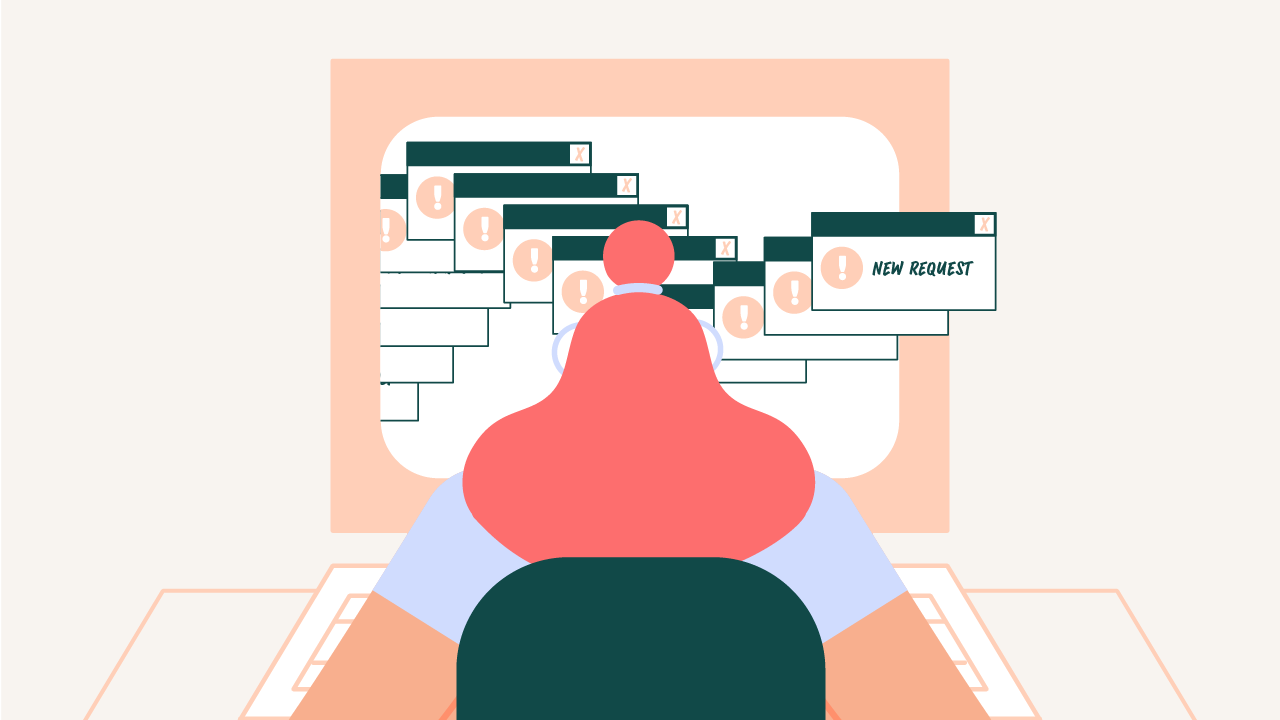
Scattered emails. Missed feedback. Unclear priorities. Long gaps between updates.
That’s the stuff that slows everything down.
So I stopped running projects through inboxes and meetings.
Everything now runs through a client portal.
It keeps things organized, visible, and moving… for both of us.


Most workflows are fragmented.
Feedback in email. Files in Dropbox. Updates in Slack. Notes buried somewhere no one can find.
Things get lost. Context disappears. Someone joins late and has no idea what’s going on.
Inside the portal, everything lives on the request itself.
All communication. All files. All feedback.
Clients still get email notifications when I post an update.
But instead of digging through threads, they can click straight into the request and see everything in one place.
Anyone on the team can jump in and catch up without needing a recap.
No forwarding emails. No resending links.
This is the difference:
There’s no slow onboarding process.
Or scheduling a kickoff call a week out.
Here’s how it works:
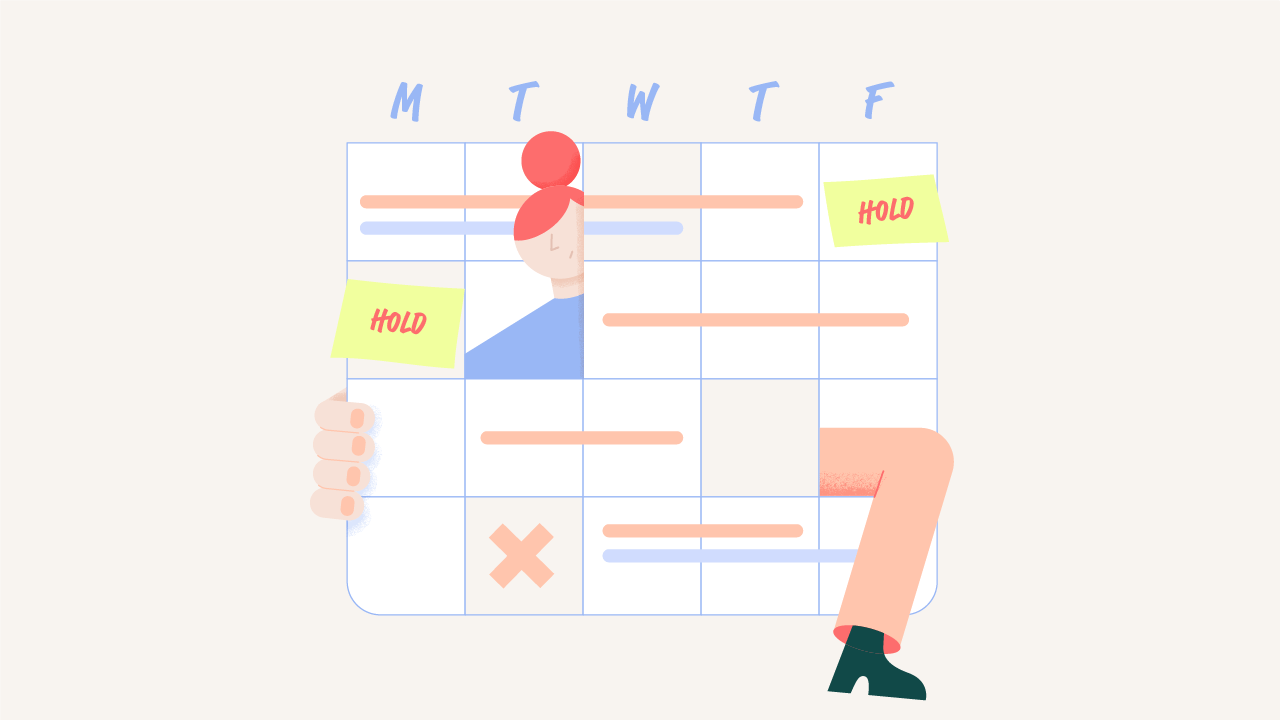
You don’t have to wait for me to schedule time for you.
You can start the same day.
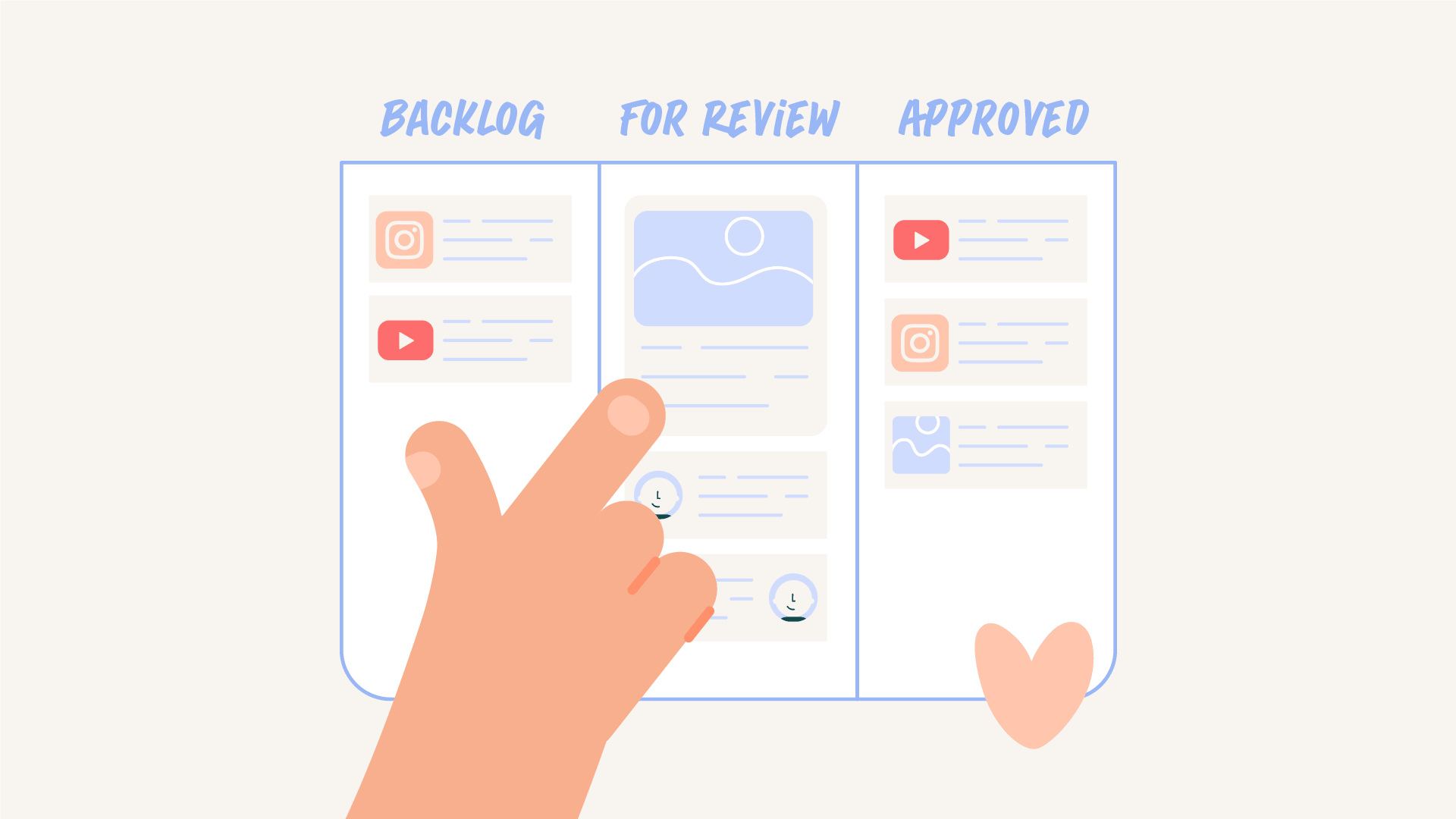
Everything runs through a simple board.
Backlog → Active → For Review → Approved
Here’s what that looks like in practice:
Most of the time, I focus on one active request.
If something is blocked, I move to another request so nothing sits idle.
That keeps progress steady without overcomplicating things.
This model works best with smaller, clearly defined requests.
Not one massive project with a vague brief.
Instead, work gets broken into pieces.
A cutdown. A caption system. A sequence. A single shot.
I’ve been working on a Netflix film recently, and every shot is its own request.
That might sound granular, but it keeps everything moving.
Each piece gets reviewed quickly.
Each decision happens in context.
And nothing gets stuck waiting on one giant delivery.
You’re not waiting a week to see something.
You’re seeing progress every 24 to 48 hours.
That might be a rough pass. A section. A direction.
Something you can react to.
This keeps you involved in the process.
Instead of disappearing for two weeks and revealing a finished animation, we build it together.
You see it early. You react early. You guide where it goes.
That shared momentum leads to better work and fewer revisions.
Most communication happens inside the request.
There’s no kickoff call for every task.
No recurring status meetings just to figure out where things stand.
If something is easier to talk through quickly, we can jump on a call.
But that’s the exception, not the system.
You’re not pulled into unnecessary meetings.
And I’m not spending hours coordinating them.
Billing is simple.
You subscribe monthly.
If you don’t have work, you pause.
And I expect you to.
There’s no reason to pay for time you’re not using.
When you’re ready again, you unpause and continue where you left off.
Canceling just means finishing out the current billing cycle.
It stays flexible. It stays aligned with how your team works.
I’ve worked inside studio pipelines.
I’ve worked on traditional freelance projects.
I’ve seen how much time gets lost before the work even starts.
Waiting for availability. Re-explaining the same brand rules.🙄 Piecing together feedback from different places.
It slows everything down.
This system removes that overhead.
It gives both sides clarity.
And it keeps the focus where it should be… on the work itself.
This works best for teams that have ongoing motion needs.
Content teams. Product teams. Brands that are publishing consistently.
People who value speed, organization, and not having to think about how to manage motion.
It’s not designed for one off, high pressure projects that need everything at once.
It works best when there’s a steady flow of work and a bit of runway to build over time.
You always know where things stand.
You always know where to give feedback.
And you’re never wondering what’s happening behind the scenes.
That clarity makes everything easier.
For you. For your team. And for me.
If this kind of workflow feels like a better way to run your motion projects, you can see how I structure it inside Motion Partner.
A client portal is a central place where all requests, files, feedback, and updates live. Instead of using email or meetings, everything is managed in one organized system.
You submit requests directly in the portal. Each request becomes its own thread where work, updates, and feedback are tracked from start to finish.
You’ll typically see progress every 24 to 48 hours. This might be a rough pass, a section, or a direction to review so we can keep moving forward together.
No. Most communication happens inside the request itself. If something is easier to talk through, we can hop on a quick call, but it’s not required.
You can pause your subscription at any time. Work stops, billing pauses, and you can pick back up whenever you’re ready.
This model works best for ongoing motion needs with smaller, clearly defined requests. It’s ideal for content teams and brands that are producing consistently.

Motion Partner